
MicroLearning
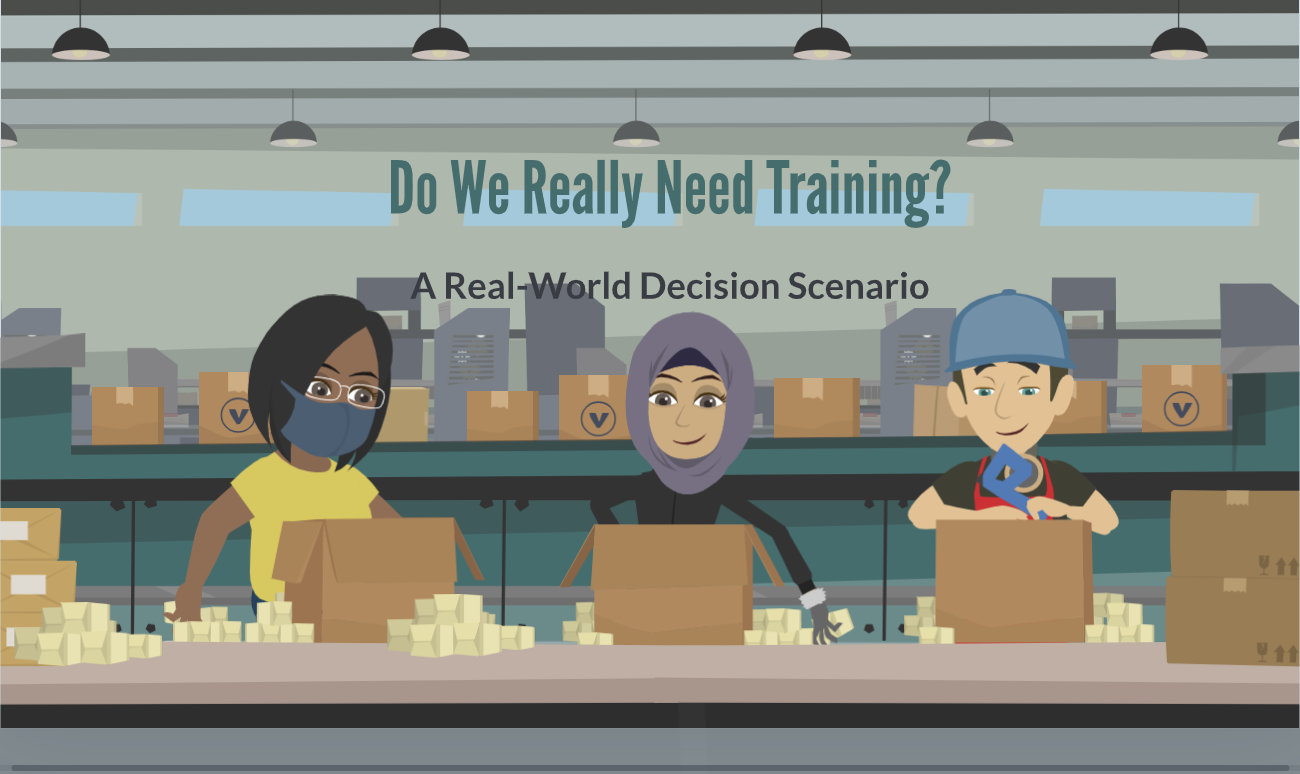
Do We Really Need Training??
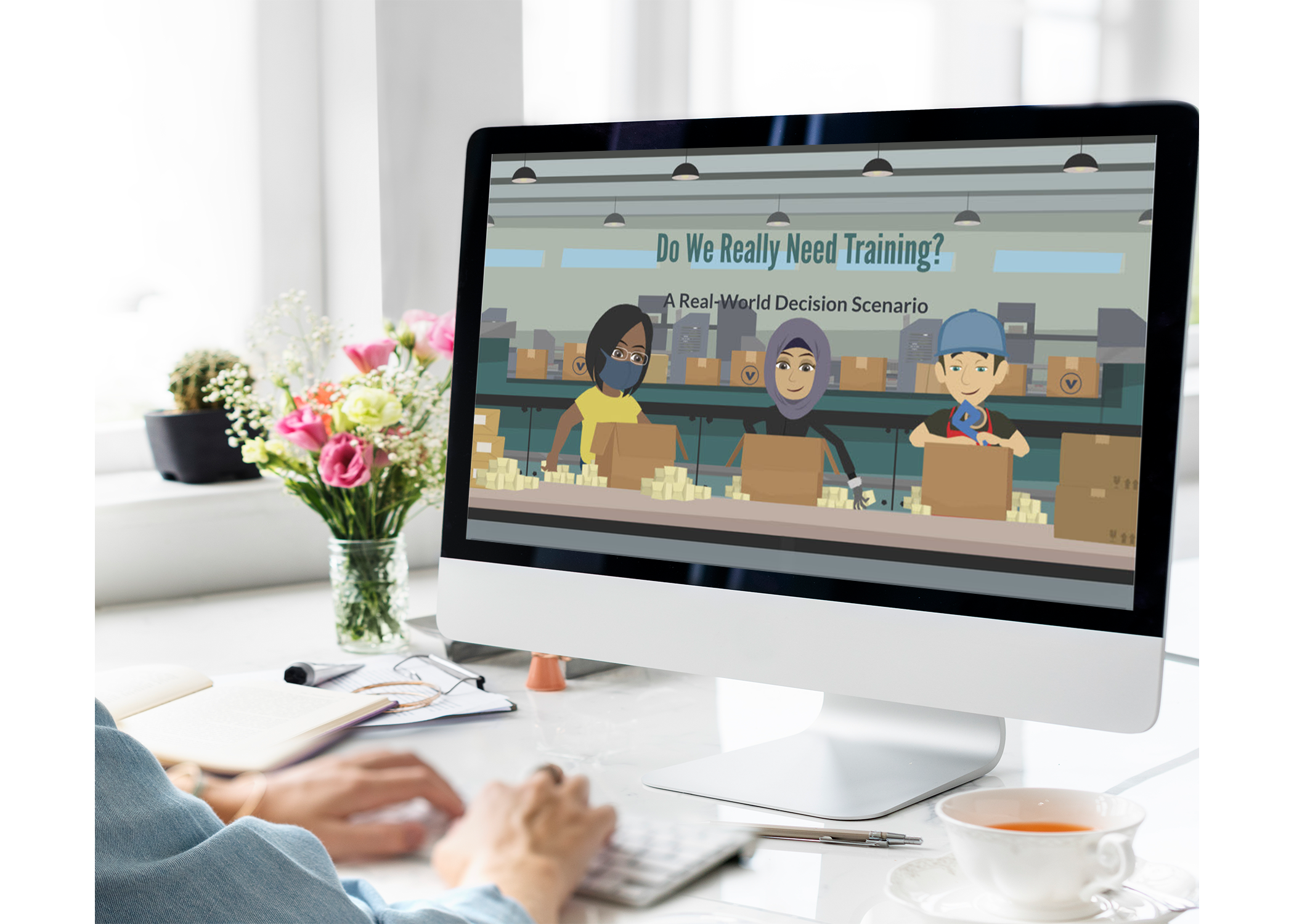
A Real-World Training Scenario
This Microlearning was designed to help Instructional Designers decide whether on-the-job training or other methods, such as job aids, quick reference guides, or microlearning modules, are the best choice for addressing performance issues.
Audience: Instructional Designers, Learning Experience Designers
Responsibilities: Instructional Design- this project was developed in Vyond by integrating voiceovers, sound effects, and seamless transitions, using precise editing techniques to create a polished, engaging, and immersive learning experience.
Design Tools Used: Articulate Storyline 360, Vyond, ChatGPT, SnagIt, Adobe Photoshop
The Problem
Many instructional design solutions focus on delivering information rather than driving real behavior change. As a result, learners may understand concepts but struggle to apply them effectively on the job.
This project addresses a common gap in learning design: how to move beyond knowledge transfer and create experiences that influence observable actions, decision-making, and performance outcomes.
The Solution
I designed an interactive eLearning experience that helps instructional designers shift from content-focused design to behavior-driven learning.
The module guides learners through a practical framework centered on:
Defining observable behaviors
Designing scenario-based practice
Delivering meaningful feedback
Measuring performance outcomes
The experience emphasizes real-world application, ensuring learners can immediately translate what they learn into actionable design decisions.
My Process
To ensure the solution was both effective and user-centered, I followed an iterative design approach:
Conducted research on behavior change and performance-based learning
Identified key actions instructional designers need to perform
Created a structured storyboard to map content and interactions
Developed visual mockups to establish the look and feel
Built an interactive prototype in Articulate Storyline 360
Gathered feedback from experienced instructional designers
Refined and developed the final product
This approach allowed me to validate decisions early, reduce rework, and focus on creating a meaningful learning experience.
I grounded this project in proven instructional design methodologies to ensure it was both engaging and effective:
Action Mapping to focus on what learners need to do, not just know
Backward Design to align objectives, activities, and assessments
Adult Learning Principles to ensure relevance and practical application
Scenario-Based Learning to simulate real-world decision-making
Feedback-Driven Design to reinforce correct behaviors and guide improvement
Each interaction was intentionally designed to support behavior change rather than passive consumption.
Design
I created visual mockups in Vyond to define the overall user experience and interface before development.
Designed clean, intuitive layouts that guide learner focus
Used consistent color schemes and visual hierarchy to reduce cognitive load
Iterated on multiple design versions to improve usability and engagement
Incorporated feedback from the instructional design community to refine the interface
These mockups served as a blueprint for development, making the transition into Storyline efficient and streamlined.
Visual Mock-ups
After establishing the structure and visual direction, I developed an interactive prototype in Articulate Storyline 360 to test functionality, flow, and learner experience.
The prototype focused on:
Key decision points where learners analyze a “we need training” request
Guided interactions that walk users through clarifying the business problem
Early versions of scenario-based questions tied to real workplace situations
Navigation and user flow to ensure a seamless, intuitive experience
This stage allowed me to validate how the content translated into interaction and identify opportunities to improve clarity, pacing, and engagement.
I shared the prototype with members of the instructional design community and experienced designers to gather targeted feedback. Their insights helped refine both the instructional flow and the usability of the experience before full development.
Interactive Prototype
With the feedback incorporated, I moved into full development, building a polished, fully interactive microlearning experience in Articulate Storyline 360.
The final product includes:
A scenario-driven walkthrough of how to respond to “we need training” requests
Structured decision-making steps aligned to real-world workflows
Interactive elements that reinforce analysis, not just content consumption
Clear, actionable takeaways learners can immediately apply on the job
To enhance engagement and realism, I incorporated:
Video timed elements created in Vyond to introduce scenarios and add a storytelling component
Clean visual design and consistent UI to support focus and reduce cognitive load
Feedback layers that guide learners toward correct decision-making
The experience was designed to be concise, practical, and performance-focused allowing learners to quickly apply the framework in real conversations with stakeholders.